


Why Can’t I Create a Pinterest Account?
Pinterest sign-up can fail for several reasons, including eligibility requirements, an email address linked to an existing account, an incomplete verification step, or a problem with the app, browser, network, or server.
Start by checking the exact error message and noting where the sign-up process stops. This will help you identify the most relevant fix instead of trying several unrelated steps at once.
First, Check Whether It’s a Sign-Up or Login Issue
If you’ve used Pinterest before, your email address may already be linked to an account. Try logging in or resetting your password instead of signing up again.
If you’re creating a new account, use the error message to find the right fix in the table below.
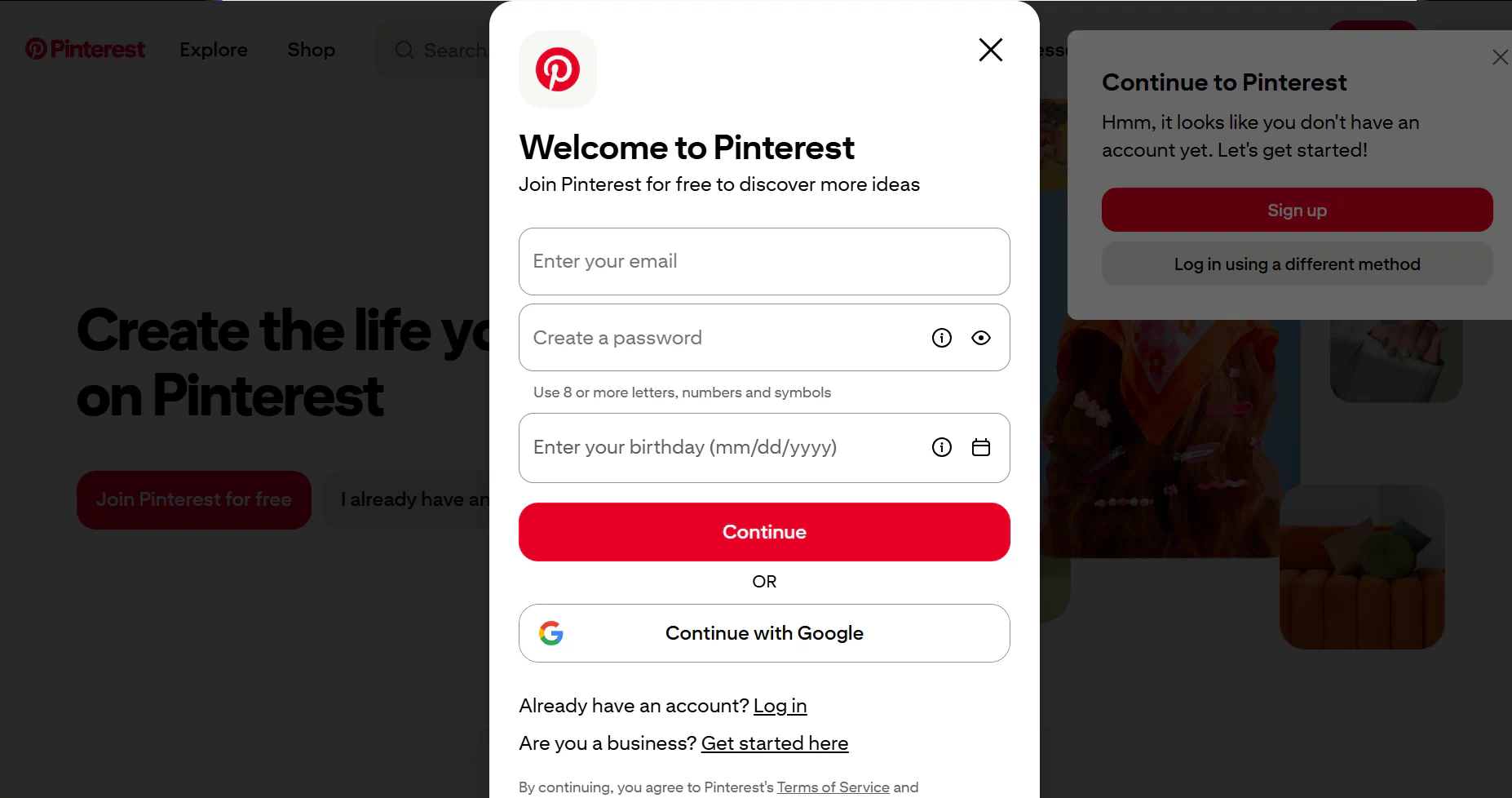
Match the Error Message to the Most Likely Next Step
| What you see | What to do first |
|---|---|
| Age or eligibility warning | Confirm that the birth date is accurate and that you meet Pinterest’s age and account eligibility requirements in your country or region. |
| Verification code never arrives | Check the email address or phone number, spam filters, carrier filtering, signal availability, and your most recent code request. |
| Email already linked to an account | Stop registering and use login, password reset, or Pinterest’s official account-recovery process. |
| Error appears only on one connection | Disable a VPN or proxy when safe and appropriate, and then test a different trusted connection. |
| Server error, blank screen, or repeated refreshing | Wait briefly and retry once before testing another browser, app, device, or connection. |
| App button does nothing | Update and reopen the app before clearing its cache, clearing app data, or reinstalling it. |
Age or Eligibility Warning
Pinterest generally requires users to be at least 13 years old, although some countries may have a higher minimum age requirement.
Double-check your birth date and make sure you meet the requirements in your region. If your information is correct but the warning still appears, contact Pinterest through its official Help Center.the warning remains, use Pinterest’s official help route and report the exact message.
Verification Code Never Arrives
Double-check your email address or phone number, then check your spam folder or text messages. If you’re using SMS verification, make sure your phone has a signal and isn’t blocking unknown senders.
If you use a temporary or virtual number, make sure its country matches your network location, or the code may not arrive. Some virtual numbers may not work for account verification. For more options, see our guide to free Google Voice alternatives.
Avoid requesting multiple codes in a row, as older codes may stop working. Always use the latest code and never share it with anyone.
Email Address Already Linked to an Account
An “email already in use” message usually means the address may be associated with an existing Pinterest account. Another registration attempt is not the appropriate next step.
Try logging in, resetting your password, or using Pinterest’s official account-recovery process.
Network, VPN, or Proxy Issues
Free or heavily shared proxies and VPNs are often used by many people at the same time, which can lead to slow speeds, unstable connections, or unusual traffic signals. First, disconnect the proxy or VPN and retry once using a trusted home network or mobile data connection.
If you need proxies for authorized network testing, FlashIP offers residential, mobile, ISP, and data center proxies for different connection needs. A reliable proxy can help reduce connection instability, although it won’t guarantee successful registration.
Get High-Quality Proxies with FlashIP
Outdated App or Cached Data
If Pinterest sign-up isn’t working in the app, an outdated version or corrupted cached data could be causing the issue. You may see a blank screen, endless loading, constant refreshing, unresponsive buttons, or a form that won’t submit.
First, update Pinterest through your device’s official app store, then close and reopen the app. If that doesn’t help, restart your device and clear the app cache if your phone offers that option. Save clearing app data or reinstalling the app for last, since either step may sign you out and remove saved settings.
You can also try Pinterest’s official website in a supported desktop browser to see whether the issue is limited to the app
Server Error, Blank Screen, or Refreshing Page
If Pinterest shows a server error, keeps loading, or repeatedly refreshes the sign-up page, wait a moment and try again once. Avoid refreshing or submitting the form repeatedly.
If the issue continues, reopen Pinterest and try a private window, another supported browser, or the official app. You can also test another device or trusted network. These steps may help identify the cause, but a server error does not necessarily mean Pinterest is down.
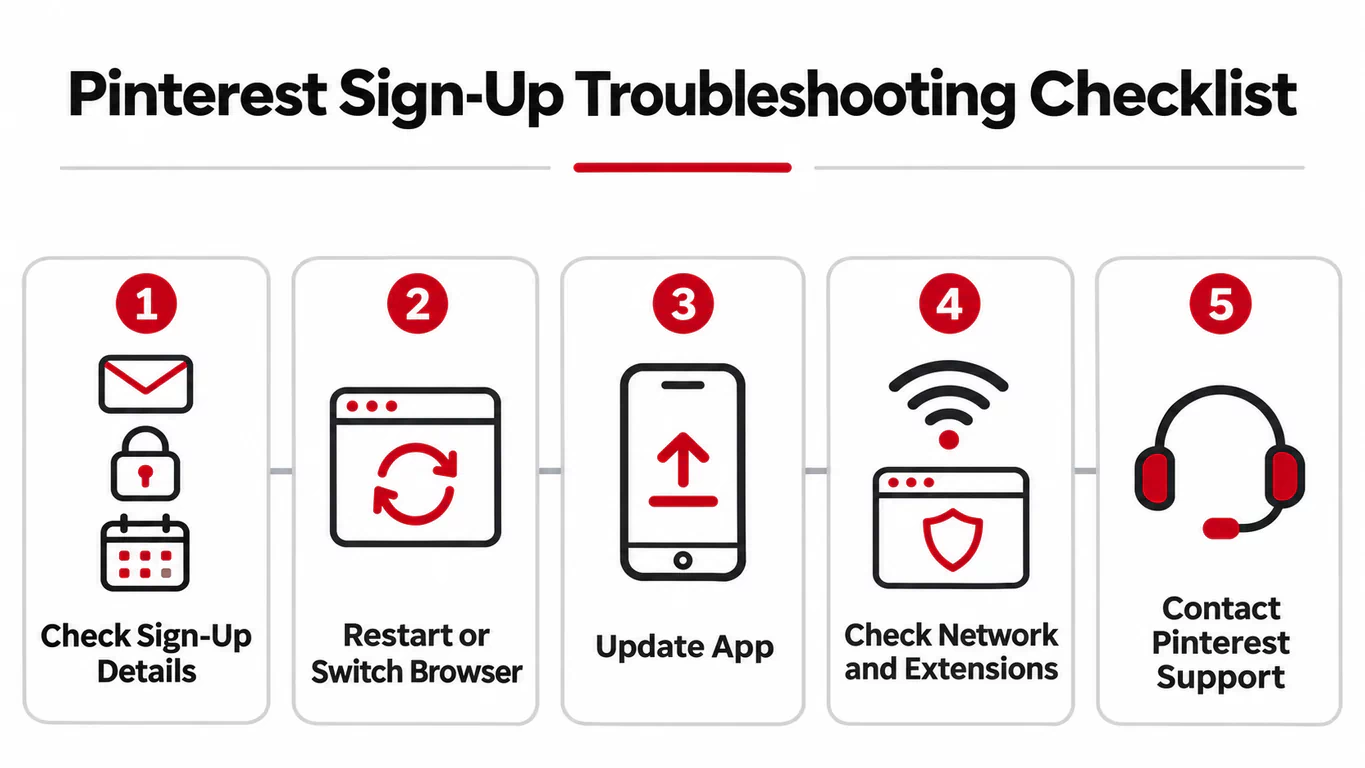
Quick Checklist: Fix Pinterest Sign-Up Problems
If you’re still having trouble, try these steps:
- Double-check your email, password, birth date, and other sign-up details.
- Close and reopen Pinterest, then try another supported browser or device.
- Update the app or clear its cache if you’re using a phone.
- Check whether browser extensions, VPNs, or proxies are affecting the connection.
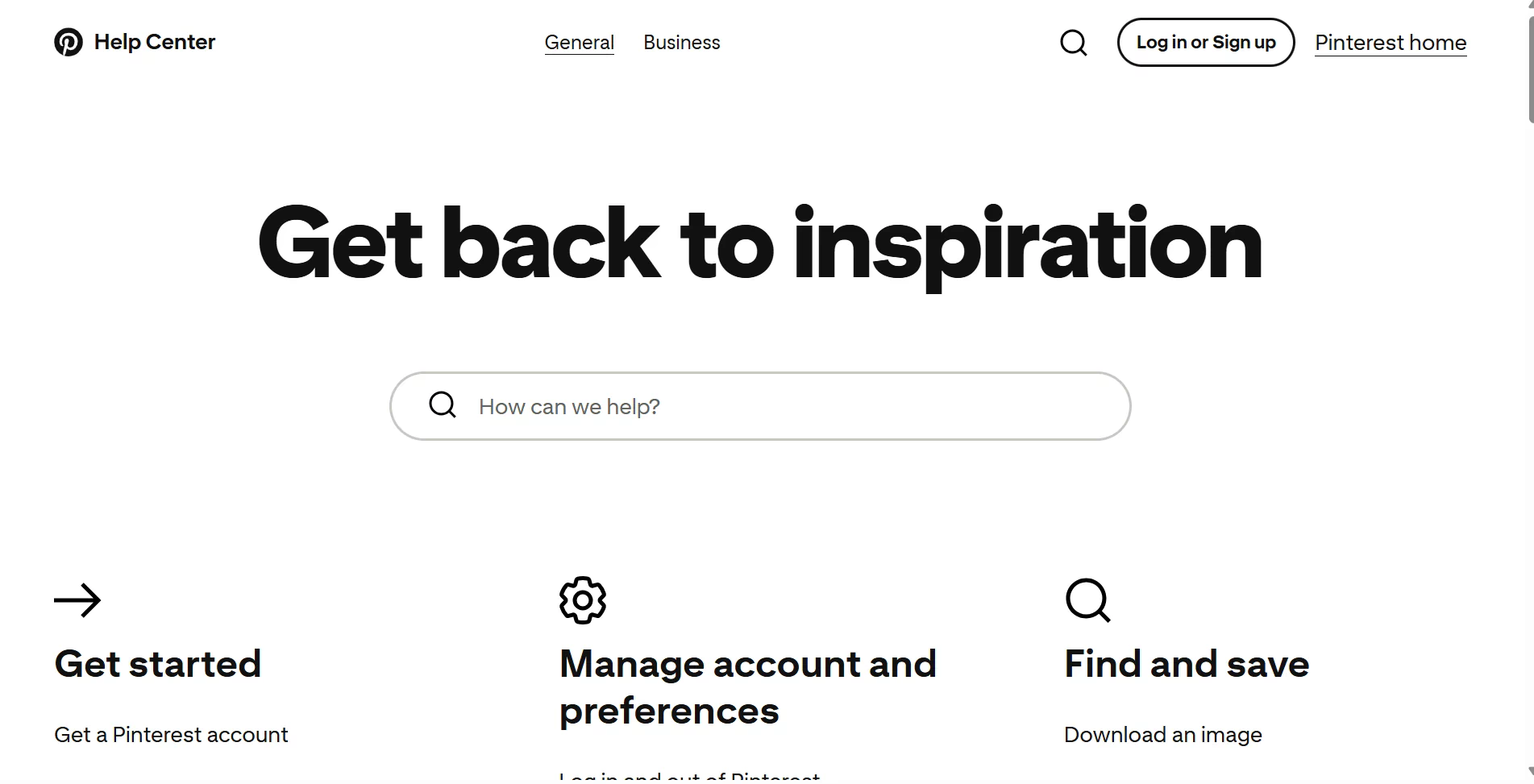
- If the problem continues, contact Pinterest through its official Help Center.
Try one fix at a time so you can see what works.If you use Pinterest for business or social media management, a consistent network setup can also help you manage accounts and test regional content more reliably.
What to Avoid When Troubleshooting Pinterest Sign-Up
Avoid submitting the form or requesting verification codes repeatedly. If you suspect a browser extension is causing problems, disable it temporarily and turn it back on after testing.
Try a private window before clearing cookies or app data, since doing so may sign you out or reset your settings. Never share verification codes or account details with unofficial support services.
What to Send Pinterest Support If Sign-Up Still Fails
If you still can’t create a Pinterest account, contact Pinterest through its official help or account-support page. Include:
- The exact error message and where sign-up stops
- When the error occurred and your country or region
- Your sign-up method, device, operating system, and browser or app version
- Whether you used Wi-Fi, mobile data, a VPN, or a proxy
- The troubleshooting steps you have already tried
Attach a screenshot if helpful, but hide your email address, phone number, password, verification code, and other private details.
Use only Pinterest’s official support channels. Do not share sensitive information publicly or pay an unofficial account-recovery service. Response times may vary.
Conclusion
If Pinterest won’t let you sign up, start with the error message and try the fix that matches your situation. Avoid repeated attempts, and if the problem continues, contact Pinterest through its official Help Center.
FAQ
Why does Pinterest keep saying “Something went wrong” when I sign up?
This error may be caused by a temporary server issue, browser problem, or unstable connection. Try refreshing the page once, switching to another browser, or using the Pinterest app.
Why is Pinterest not accepting my email address?
Your email may already be linked to an existing account, or there may be a typo or formatting issue. Double-check the address and try logging in or resetting your password if you’ve used Pinterest before.
Can a VPN or proxy affect Pinterest sign-up?
Yes. An unstable or heavily shared VPN or proxy may cause connection problems during sign-up. If your proxy is running slowly, check its server location, IP quality, and network settings. For more tips, see our guide on Why Is My Internet Slow When Using a Proxy?
Why does Pinterest keep asking me to verify my account?
Pinterest may request additional verification to confirm your account details or check unusual activity. Follow the instructions shown on the screen and use only official Pinterest verification methods.
How long should I wait before trying to sign up for Pinterest again?
There’s no fixed waiting period for every registration error. If you’ve made several attempts, stop submitting the form repeatedly and check the error message before trying again. Contact Pinterest Support if the issue continues.