


Introduction
Social media marketing tools help teams plan content, publish across channels, manage conversations, and report results. For cross-border teams, the software is only one part of the setup. A consistent network environment can also matter when teams manage regional accounts or review location-specific content. FlashIP provides residential, mobile, ISP, and datacenter proxy options for these workflows. A proxy does not replace account permissions or platform compliance, but it can support a more consistent regional connection where one is required.
This guide compares 10 social media marketing tools by use case. The goal is to help you build a practical shortlist, not to name one universal winner.
Key Takeaways
- Choose Buffer for straightforward scheduling and publishing.
- Compare Vista Social and SocialPilot if a small team manages many accounts or clients.
- Consider Hootsuite or Sprout Social for structured approvals, inbox management, and reporting.
- Look at Loomly when content planning and review are the main bottlenecks.
- Include Zoho Social if your organization already uses Zoho products.
- Consider Tailwind for a focused Pinterest and visual-content workflow.
- Review Oktopost for B2B campaign measurement and attribution.
- Choose Brandwatch when social listening and consumer insight matter more than routine publishing.
Social media marketing tools at a glance
This comparison is based on product fit rather than an absolute ranking. Features and plan limits can change, so review current information before buying.
| Tool | Best for | Core strength |
|---|---|---|
| Buffer | Solo marketers, creators, and lean teams | Simple scheduling and publishing |
| Hootsuite | Teams that want broader social media management | Publishing, inbox, monitoring, analytics, and integrations |
| Sprout Social | Larger teams with formal workflows | Collaboration, engagement management, and stakeholder reporting |
| Vista Social | Small teams and agencies managing several accounts | Broad day-to-day workflow coverage |
| SocialPilot | Agencies and businesses managing many accounts or clients | Bulk publishing, client access, and recurring reports |
| Loomly | Teams focused on content planning and review | Calendar-led creation and approvals |
| Zoho Social | Organizations already using Zoho products | Integration with the Zoho business ecosystem |
| Tailwind | Pinterest-focused and visual-content marketers | Specialized creation and scheduling workflow |
| Oktopost | B2B marketing teams | Campaign tagging, advocacy, and attribution |
| Brandwatch | Research, brand, and consumer insight teams | Social listening and large-scale analysis |
The 10 tools by use case
1. Buffer: best for simple publishing
Buffer is a practical option for creators, small businesses, and lean teams that mainly need a calendar, scheduling, and accessible performance data. Its focused workflow is easier to learn than a large enterprise platform.
It becomes less suitable when a team needs complex approvals, advanced inbox routing, extensive listening, or highly customized reports. Check channel, user, and approval limits before selecting a plan.

2. Hootsuite: best for broader social management
Hootsuite brings publishing, engagement, monitoring, analytics, and integrations into one environment. It is useful when several people need to coordinate content and interactions without moving between separate scheduling, inbox, and reporting tools.
The main trade-off is cost and complexity. Calculate the full package for users, accounts, listening, reports, and integrations rather than comparing only the entry price.
3. Sprout Social: best for structured teams
Sprout Social is designed for organizations that manage social media as a coordinated communications, service, or insight function. It is particularly relevant when teams assign conversations, use formal approvals, and present results to stakeholders.
Its process-oriented features can be difficult to justify for a team that only needs a calendar. Identify the collaboration, listening, and reporting features that are mandatory before comparing plans.
4. Vista Social: best for small teams that need breadth
Vista Social covers publishing, engagement, planning, and reporting for teams that want a broad tool without immediately moving to an enterprise system. It may suit agencies, distributed small businesses, and multi-location brands.
The important question is depth. Review network-specific inbox coverage, role controls, report customization, and automation rules because support may vary by channel or plan.
5. SocialPilot: best for agencies and multi-account work
SocialPilot is a strong candidate when account volume and recurring client work are central requirements. Bulk publishing, account groups, client access, and repeatable reporting can reduce routine administrative work.
Compare the working configuration, not the advertised starting plan. Extra users, accounts, approval features, or white-label reports may change the total cost.
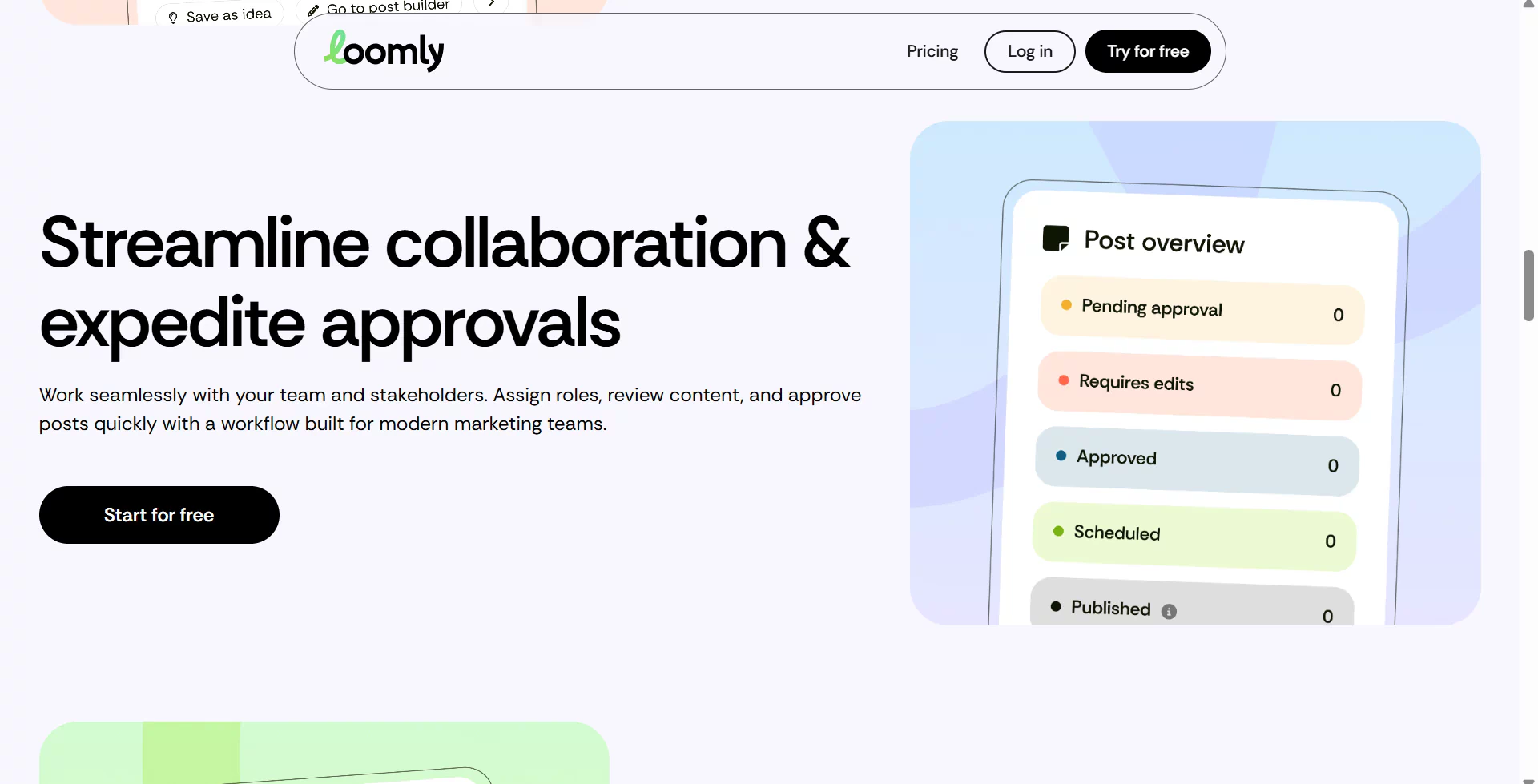
6. Loomly: best for planning and approvals
Loomly focuses on the work that happens before publication. Its calendar-led process helps writers, designers, reviewers, and approvers organize ideas, assets, and feedback.
Teams that need advanced listening, customer care, or cross-channel analysis may still require another tool. Review the post-publication features as carefully as the content calendar.
7. Zoho Social: best for existing Zoho users
Zoho Social is most useful when social activity can connect with an existing Zoho CRM or business workflow. That connection may reduce duplicate data entry and make social activity easier to include in customer and marketing processes.
Outside the Zoho ecosystem, compare it with other tools on network coverage, approvals, engagement management, reporting, and exports.
8. Tailwind: best for a focused visual workflow
Tailwind is a specialized option for Pinterest-led and visual-content workflows. A focused tool can be more efficient than a general platform when content creation and repeated publishing are the main challenges.
It is less suitable as the central system for a team that also needs broad customer service, B2B attribution, or social listening. Check whether its supported channels match the full content strategy.
9. Oktopost: best for B2B social media
Oktopost is built around B2B campaign management. Its stronger use cases include campaign tagging, employee advocacy, CRM integration, and connecting social activity with pipeline or revenue reporting.
It may be excessive for a business that only needs scheduling. It also works best when the organization already uses a consistent campaign taxonomy and attribution model.
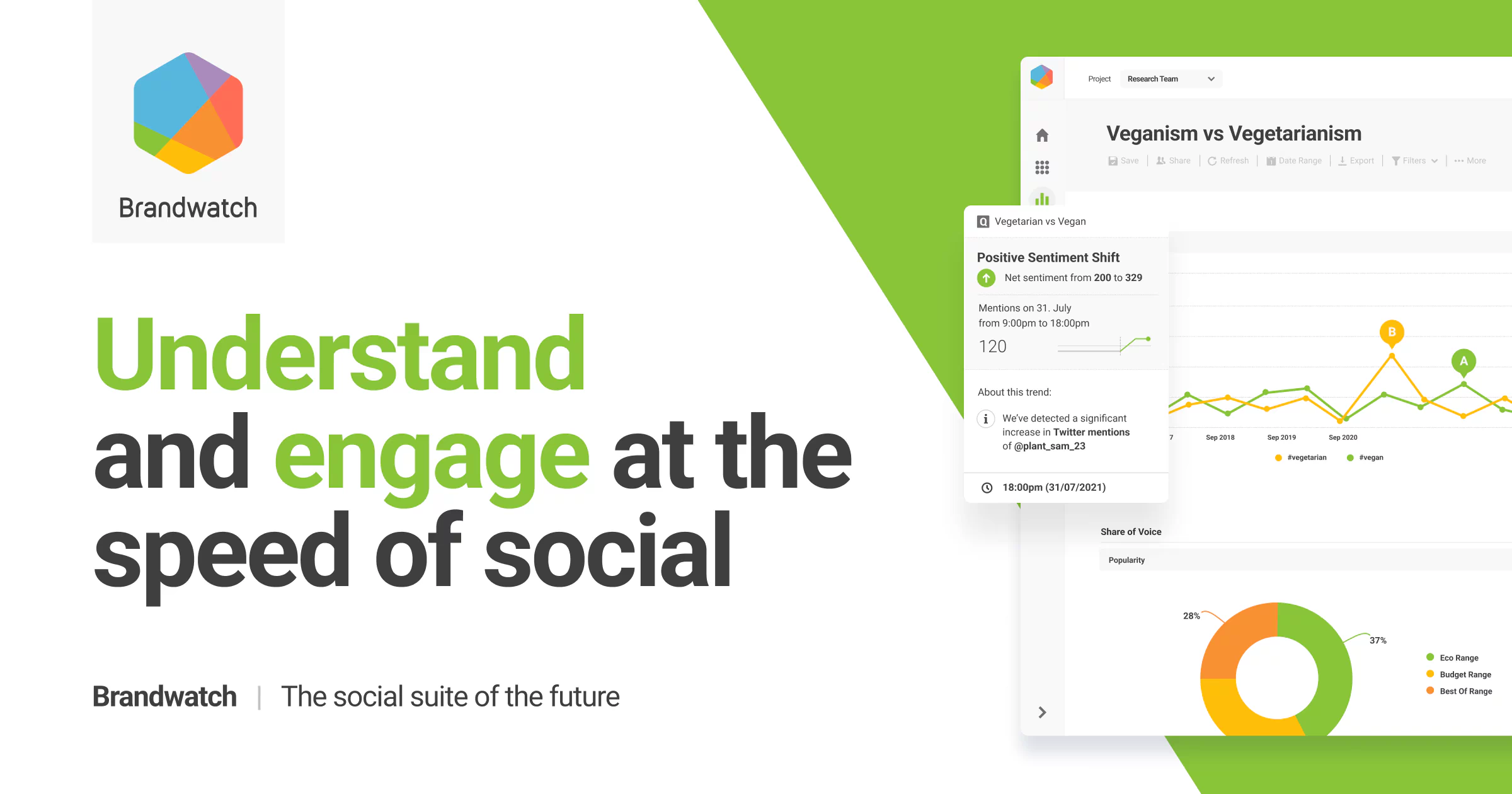
10. Brandwatch: best for social listening
Brandwatch is most relevant when a team needs to study brand conversations, audience sentiment, market trends, emerging issues, or campaign response at scale.
Listening platforms require more setup and interpretation than a publishing tool. Review source coverage, languages, historical data, query limits, alerts, dashboards, and export options.
How to choose the right tool
1. Start with channels and formats
List every network, account type, and post format the team uses. Include regional accounts, executive profiles, client-owned accounts, short-form video, drafts, previews, and engagement channels. Remove any tool that cannot support a required workflow.
2. Price the working configuration
Include users, accounts, approval roles, client access, listening modules, custom reports, historical data, exports, integrations, and onboarding. A low entry price can become expensive when daily work requires several upgrades.
3. Separate mandatory and optional features
Classify each requirement as mandatory, useful, or unnecessary. A small team may only need scheduling and basic analytics. A larger operation may need a shared inbox, multi-stage approvals, campaign tagging, market-level reports, raw exports, and CRM integration.
4. Run the same pilot with every finalist
Test two or three tools with the same campaign. Schedule multiple posts, use a real approval process, assign an inbound message, separate results by account or market, and export a stakeholder-ready report. Include frequent users, approvers, and report recipients in the test.
When an all-in-one platform is unnecessary
A native network scheduler may be enough for one or two accounts with simple publishing and no formal approval process. A modular stack can also work well: one publishing tool, a design platform, an asset library, a listening service, and a separate reporting or approval system.
Choose the smallest setup that reliably covers the required channels, approvals, measurement, and account governance. A larger feature list is useful only when the team will use those features in its daily workflow.
Before Managing Accounts: Setting Up Regional Access with FlashIP
If your business plans to set up authorized social media accounts or pages for multiple markets, it may be useful to prepare the regional network environment before choosing a management tool. FlashIP provides access to a pool of 90M+ IPs across 195+ countries and regions, helping teams review localized content and configure browser profiles for their target markets.
Once the regional accounts are set up in accordance with platform rules, tools such as Buffer, Hootsuite, or Sprout Social can handle ongoing publishing, collaboration, engagement, and reporting. FlashIP supports the regional connection layer, while social media management tools handle day-to-day account operations.
If you are unsure which connection fits your workflow, read this comparison of mobile proxies and residential proxies.
FAQ
1. How long should a social media tool trial last?
A useful trial should cover at least one complete content cycle, from planning and approval to publishing and reporting. For many teams, one to two weeks is enough to expose workflow problems. Use real accounts, realistic approval steps, and a normal reporting request rather than a few test posts.
2. Should teams rely on built-in AI writing features?
AI writing features can speed up ideation, rewriting, and channel-specific variations, but they still need editorial review. Teams should define rules for brand voice, factual claims, confidential information, and final approval. The quality of the review process matters more than the number of AI features in the product.
3. What should a team export before switching platforms?
Export scheduled posts, published-content history, analytics, campaign tags, approval records, asset libraries, and any data needed for future reporting. Also document user roles, account ownership, naming conventions, and recurring workflows. Some historical data may not transfer cleanly to the new platform.
4. Why can the same tool offer different features on different social networks?
Social networks expose different capabilities through their APIs. A tool may support publishing, comments, analytics, or inbox actions on one network but not another. API permissions can also change, so teams should test every critical post format and engagement workflow on the networks they actually use.
5. What privacy and data-governance questions should global teams ask?
Ask where the vendor stores data, how long it retains content and analytics, whether it provides a data processing agreement, and how administrators can review access logs. Teams in regulated industries should also examine permission controls, employee access, deletion procedures, and regional compliance requirements.
6. Where does FlashIP fit into a social media marketing workflow?
FlashIP provides the network connection layer, while a social media management platform handles publishing, collaboration, engagement, and reporting. A stable regional proxy may be useful for authorized multi-market account operations or location-specific checks. It does not replace the marketing tool, browser session controls, account permissions, or compliance with platform rules.