


Quick Answer
Residential proxies are usually the better starting point when you need broad regional coverage, controllable sessions, or scalable access to public web pages. Choose mobile proxies when the workflow specifically requires traffic associated with a cellular carrier—for example, carrier-dependent ad verification or testing a mobile-network experience.
Neither type is inherently undetectable, anonymous, or immune to blocking. Actual results depend on IP reputation, location accuracy, session stability, rotation settings, shared usage, and the target platform’s rules.
Which Should You Choose:Choose by network context, not hype
A residential proxy routes traffic through a residential IP address associated with a consumer internet service provider. It is generally a practical fit for:
- Region-based browsing and localization checks
- Search-result monitoring
- Public-data collection
- Ecommerce research
- QA across countries or cities
- Workloads requiring many locations or requests
If your tasks require region selection, IP rotation, or sticky sessions, check out FlashIP Residential Proxy.
A mobile proxy, sometimes described as a cellular, 4G, or 5G proxy, uses IP addresses associated with cellular carrier networks. Consider one when you need to test:
- Carrier-specific content or behavior
- Mobile advertising delivery
- Cellular-network geolocation
- Experiences that may differ between mobile and fixed-line networks
- ASN or carrier targeting
Simply viewing a site’s mobile layout does not usually require a mobile IP address. Responsive layouts are often determined by viewport size, browser behavior, or user agent. A mobile proxy becomes relevant when the network identity itself is part of the test.
A proxy also changes only the network path and visible IP information. It does not automatically change cookies, browser fingerprints, device settings, account history, or other signals a platform may evaluate.
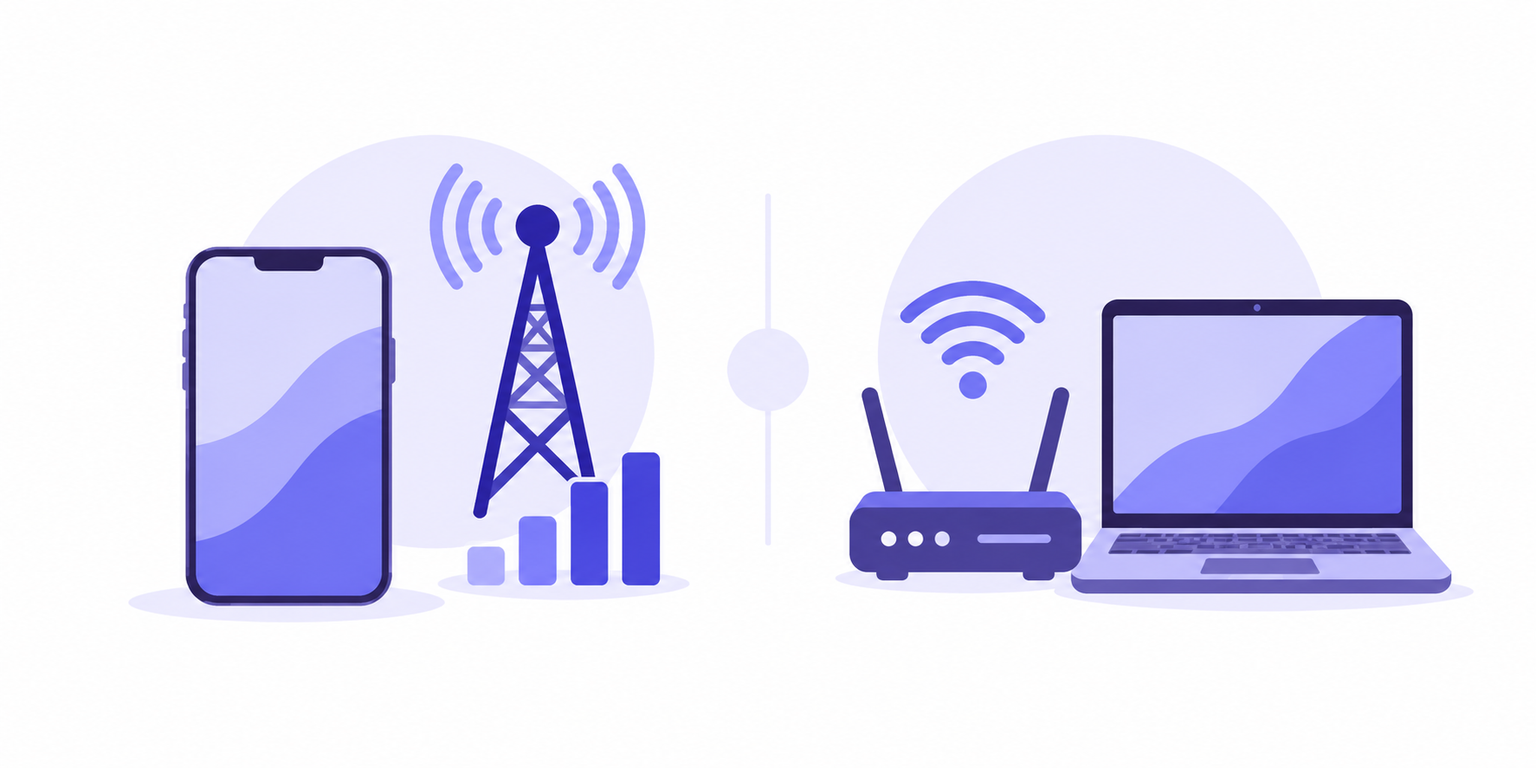 Mobile vs residential proxies at a glance
| Factor | Residential proxies | Mobile proxies |
|---|---|---|
| Network source | Consumer ISP-associated IP space | Cellular carrier-associated IP space |
| Typical fit | Regional browsing, search monitoring, public-web research, localization, ecommerce QA | Carrier-specific testing, mobile ad verification, cellular-network behavior |
| Geographic targeting | Often available by country, region, or city, depending on the provider | May support country, region, carrier, or ASN targeting, depending on inventory |
| Session persistence | Rotating or sticky sessions may be available | Rotation and sticky-session behavior varies widely by implementation |
| Rotation behavior | May rotate per request, after a set period, or on demand | Can rotate on a schedule, with session changes, or according to provider controls |
| Throughput | Depends on pool quality, routing, concurrency, and target site | Depends on carrier routing, implementation, capacity, and configuration |
| Traffic consumption | Often billed or limited by data usage, though models vary | Frequently sensitive to bandwidth-heavy workflows; billing models vary |
| Cost | Depends on the provider, location, and plan | Depends on the provider, carrier, location, and plan. |
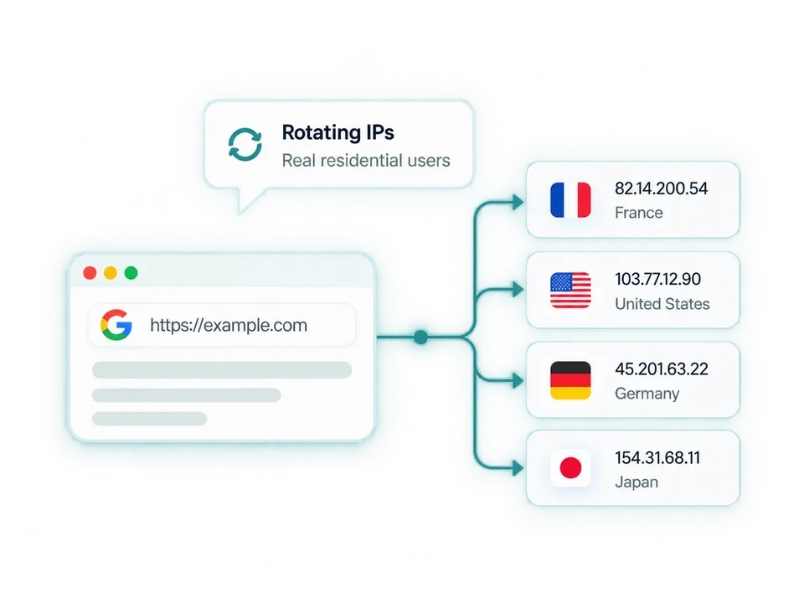
The category label does not establish quality. A well-managed residential pool can outperform a poorly configured mobile pool, and the reverse can also be true.
Look beyond “residential” or “mobile” and evaluate:
- IP history and reputation
- Whether the ASN classification matches the advertised network type
- Geolocation accuracy
- The amount of shared usage
- Proxy rotation controls
- Sticky-session stability
- Retry and failure rates
- Capacity in the locations you need
There is no universal winner. Performance and operating cost vary by provider, target site, location, request pattern, and session configuration.
Which one fits common proxy use cases?
Ad verification and mobile testing
Start by defining what “mobile” means in your test.
If you only need to see a responsive layout, you may be able to test it with an appropriate device, browser configuration, or viewport while using a residential connection. If you need to validate ads or content delivered according to a carrier network, cellular ASN, or mobile-network location, test a mobile proxy.
For either option, verify the resulting experience rather than trusting the advertised location. Check the detected country, city, ASN, and carrier where relevant. Also confirm that the page, ad, currency, language, and offer match the expected region.
Search monitoring and public-web research
Residential proxies are often the practical first option for search checks and authorized public-data workflows because the main requirement is usually geographic coverage rather than cellular identity.
Compare options based on:
- Coverage in the countries and cities you monitor
- Geolocation consistency
- Successful requests rather than raw request volume
- Retry and interruption rates
- Rotation controls
- Concurrency limits
- Session requirements
- Data consumption
Paying for mobile network context may not add value when your task only requires regionally relevant results. Run a representative pilot before scaling, since search results can also vary due to language, browser settings, account state, personalization, and other non-IP factors.

Long-lived accounts, ecommerce, and QA
For long-lived sessions, prioritize a stable identity over a particular proxy label. A suitable sticky session, consistent location, and reputable IP may matter more than whether the connection is residential or mobile.
Mobile proxies should not be treated as a workaround for account or platform enforcement. Platforms may consider cookies, device fingerprints, login patterns, account history, and behavior in addition to the IP address. Follow the platform’s rules and use authorized accounts.
For ecommerce localization and QA, match the proxy to the environment you are testing:
- Use residential coverage for general regional storefront, currency, availability, and localization checks.
- Use mobile coverage when cellular carrier context is part of the expected customer journey.
- Validate that the claimed location produces the correct regional experience.
- Keep sessions stable when testing carts, logins, or multi-step flows.
- Rotate deliberately rather than changing IP addresses midway through a workflow.
A practical decision rule before you buy
Choose mobile proxies if a cellular carrier identity is a genuine test requirement. Otherwise, compare residential options first. Where a trial or small plan is available, test the lowest practical configuration against your real workflow.
Do not compare plans only by their headline price. Estimate the cost of completing useful work:
Total operating cost = traffic charges + retries + failed requests + interrupted sessions + maintenance time
A less expensive plan can cost more if it requires frequent retries or cannot hold sessions long enough. Likewise, a higher per-unit cost may be reasonable if it reliably meets a specific carrier or location requirement.
Before choosing a provider, check:
- Country, region, and city coverage
- Carrier or ASN targeting, if required
- Geolocation accuracy
- Sticky-session duration
- Rotation intervals and manual rotation controls
- Concurrency or connection limits
- Supported proxy protocols
- Authentication methods
- Usage and traffic reporting
- Technical support
- Cancellation and renewal terms
- How addresses are sourced
Confirm that your intended use complies with applicable laws, privacy obligations, contracts, and target-platform terms.
If FlashIP Proxy is one of the options you are considering, assess its relevant proxy offerings using this same checklist. Coverage, session control, authentication, sourcing, support, and total operating cost matter more than the brand name alone.
Define whether your task truly requires a cellular network identity, then test the smallest suitable configuration against your actual locations, session lengths, and request patterns. Does your workflow need a carrier identity, or mainly reliable regional coverage and controllable sessions?
FAQ
Are mobile proxies better than residential proxies?
Not always. Choose mobile proxies when you need a real cellular-network context. For most location-based browsing, search checks, and ecommerce research, residential proxies are usually enough.
What is the difference between a mobile IP and a residential IP?
A mobile IP comes from a cellular carrier network, while a residential IP comes from a home internet connection. They may appear differently in ASN, network type, and location checks.
How often should I rotate proxy IPs?
Rotate IPs for separate, independent requests. Keep one IP for workflows that involve multiple steps, such as browsing a store, adding items to a cart, or checking a logged-in session.
Which FlashIP proxy type should I choose?
If you need to check carrier-specific ads or mobile-network results, you can choose FlashIP mobile proxies. For regional browsing, search monitoring, ecommerce research, or localization checks, you can start with FlashIP residential proxies and use a sticky session when your task needs a consistent
Can I keep the same IP with residential proxies?
Yes. A sticky session lets you keep the same residential IP for a set period. This is useful for multi-step tasks such as ecommerce testing or ongoing location checks.