


Quick Answer
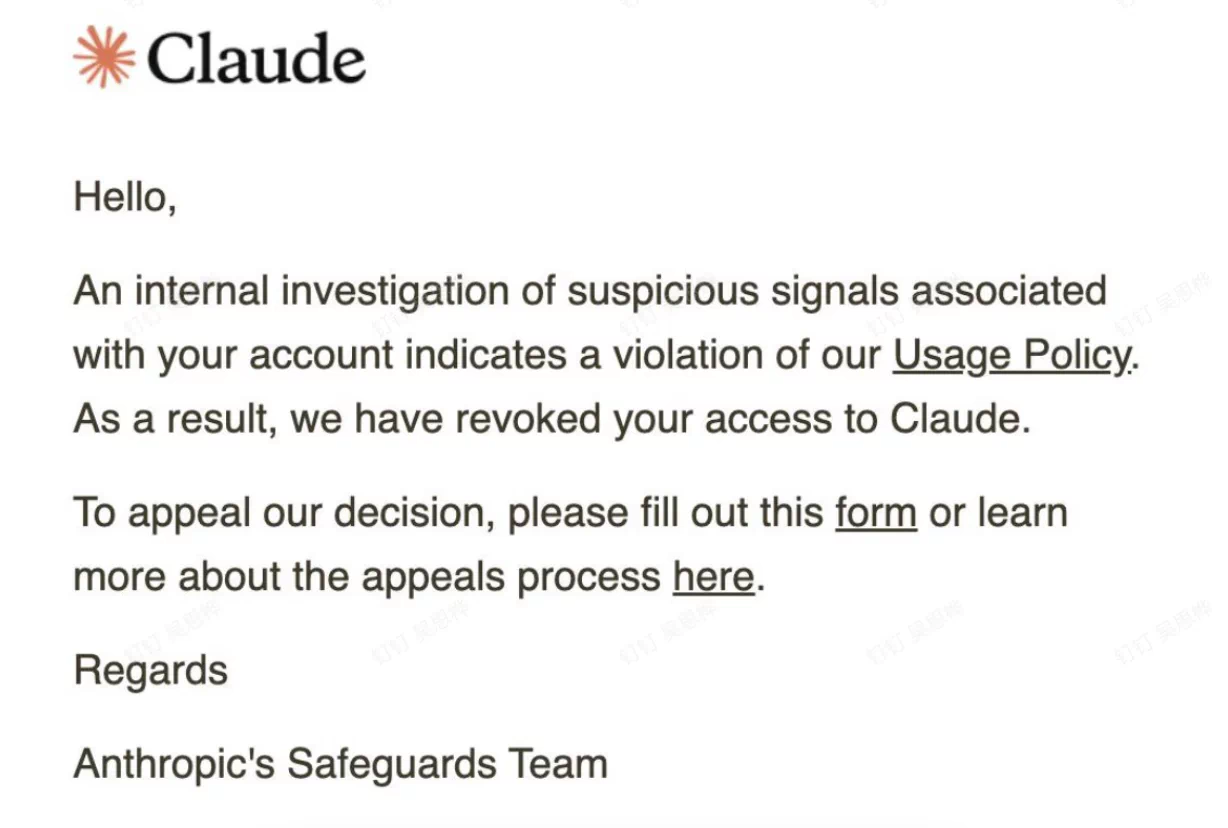
If your Claude account is banned or disabled, it may be due to repeated violations of Anthropic’s Usage Policy, account creation from an unsupported location, or violations of its Terms of Service. To appeal, sign in to your account on the official Claude website, check the suspension notice, and submit an appeal through Anthropic’s official form.
To reduce potential account access issues, follow Claude’s usage policies and maintain a consistent login and network environment. A reliable IP connection or residential proxy with sticky sessions can help minimize unnecessary IP changes, but it cannot guarantee account recovery or prevent suspension.
Why Was My Claude Account Banned? Common Reasons
A Claude account may be banned or suspended for violating Anthropic’s Usage Policy or Terms of Service, or for registering from an unsupported region. However, login issues can also result from network problems, regional restrictions, or unusual activity. If you’re not sure what triggered the suspension, start by checking these common causes.
1. Violating Claude’s Usage Policies
Anthropic restricts certain activities under its Usage Policy. Using Claude for prohibited purposes, repeatedly violating content guidelines, or engaging in activities that breach its rules may result in warnings, access restrictions, or account suspension.
2. Accessing Claude from Unsupported Regions
Claude is only available in supported countries and regions. Creating or accessing an account from an unsupported location may result in suspension or termination. Check Anthropic’s supported regions before creating or accessing an account.
3. Suspicious Account Activity
Unusual activity, such as trying to bypass platform restrictions or misuse multiple accounts, may trigger additional account reviews. Anthropic does not publicly disclose all of the signals it uses to identify suspicious activity.
Changes in IP addresses or network locations may sometimes lead to login difficulties or regional access issues. However, Anthropic does not list proxy usage or frequent IP changes alone as automatic reasons for account bans. If you encounter login problems, check your VPN connection, browser settings, and network environment first.
How to Appeal a Claude Account Ban or Disabled Account
Step 1. Sign In to Your Claude Account and Check the Notice
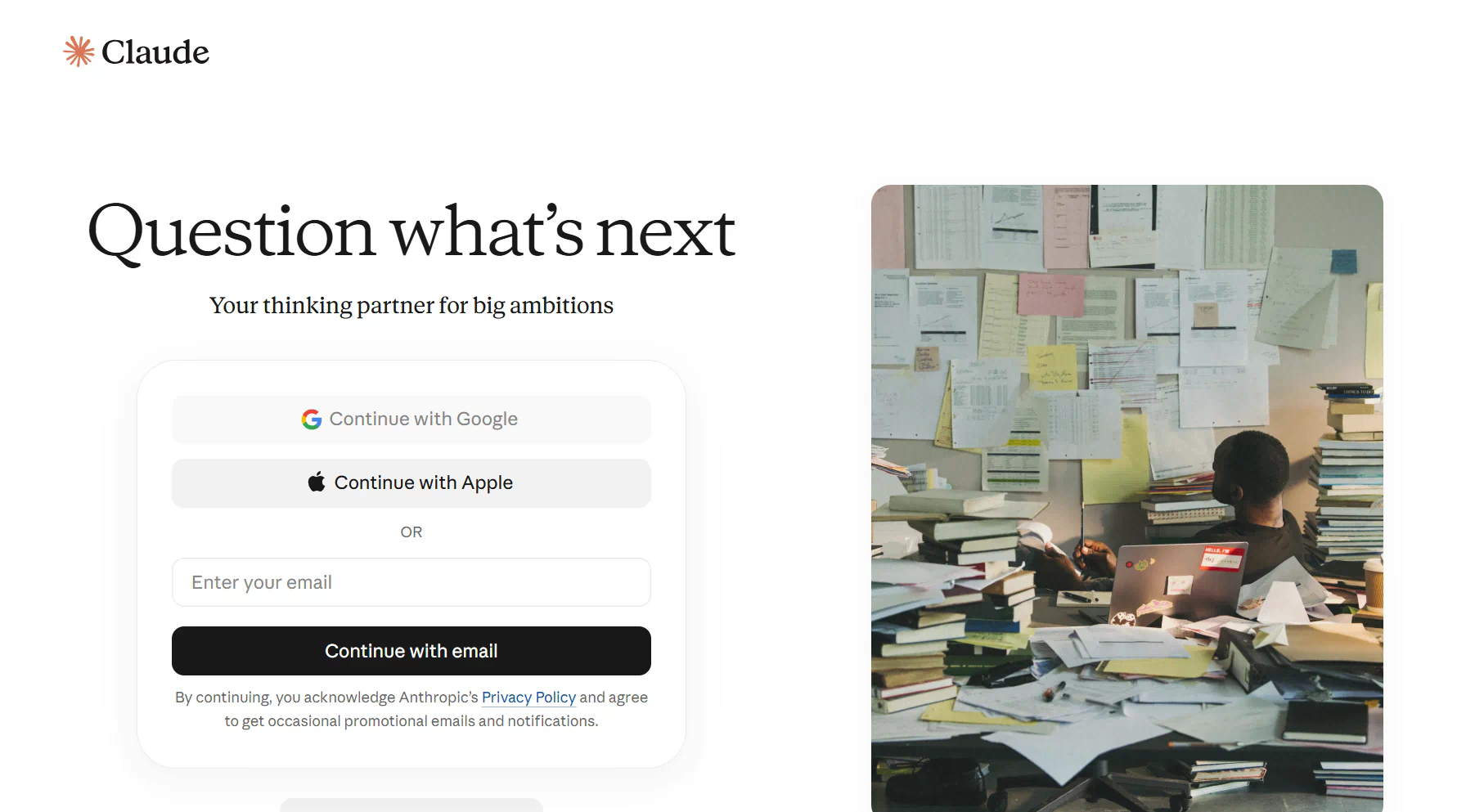
First, visit the official Claude website and try signing in with the email address associated with your banned account.
After signing in, check the account status page for a suspension or termination notice. Anthropic provides access to its appeal form through this page, so review the information displayed and look for the appeal option.
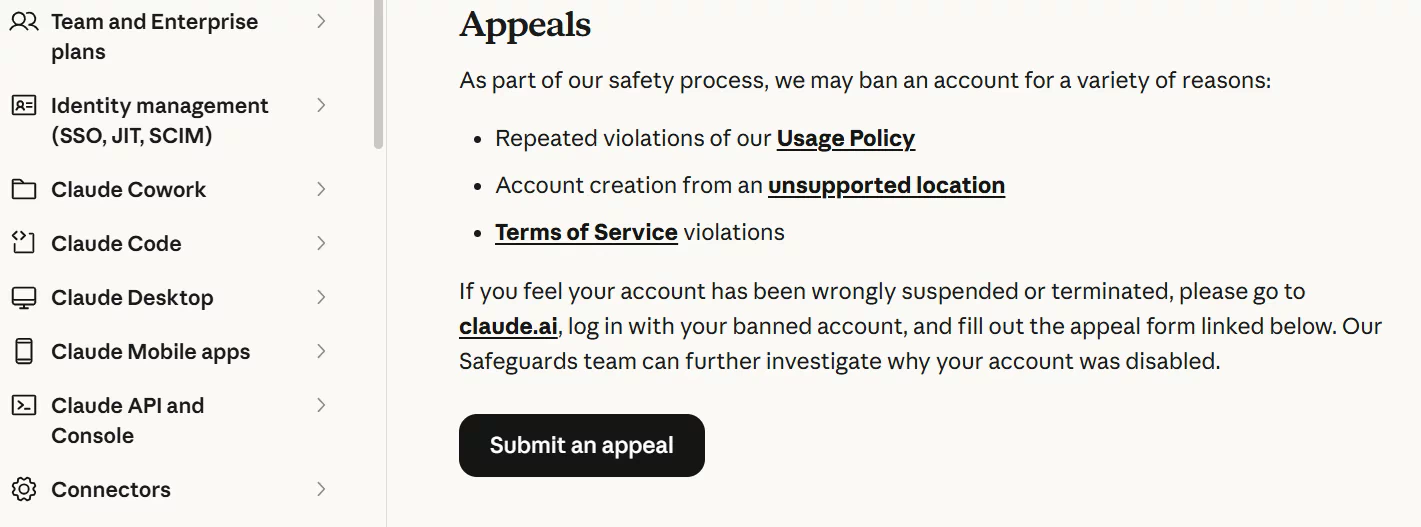
If you cannot access your account at all, visit the Claude Help Center and use the support messenger. Select “I can’t login” to request assistance.
Step 2. Submit an Appeal Through Anthropic’s Official Support Channel
Once you have accessed the restricted account page, locate and click Submit an appeal to open the official appeal form.
Explain that you believe your account was suspended or terminated incorrectly and would like Anthropic to review the decision. Keep your explanation clear and factual. Avoid submitting multiple requests for the same issue unless Anthropic asks you to provide additional information.
According to Anthropic, its Safeguards team will investigate the reason for the account restriction after receiving your appeal.
Step 3. Provide the Required Information
When completing the appeal form, provide accurate account details and briefly explain what happened. It can help to prepare the following information in advance.
| Information | What to Include |
|---|---|
| Registered Email | The email address associated with your Claude account |
| Account Status | The suspension or termination notice displayed when you sign in |
| Date of Suspension | When you first noticed that your account was disabled |
| Issue Description | A brief explanation of what happened and why you believe the decision may be incorrect |
| Supporting Evidence | Relevant screenshots or other information that may help clarify your situation |
If the issue may be related to your login location, network connection, or identity verification, explain the situation clearly and provide relevant details when requested.
After submitting the form, wait for Anthropic’s response. You can monitor the email address associated with your Claude account for updates.
What Happens After You Submit a Claude Account Appeal?
After reviewing your appeal, Anthropic will either restore your account access or keep the restriction in place.
If Your Appeal Is Approved
If Anthropic determines that your account was incorrectly suspended or that the restriction can be lifted, your account access may be restored. You can then sign in to Claude again and check whether your conversations and account features are available.
After regaining access, review your previous account activity and make sure your usage follows Anthropic’s Usage Policy and Terms of Service.
If Your Appeal Is Rejected
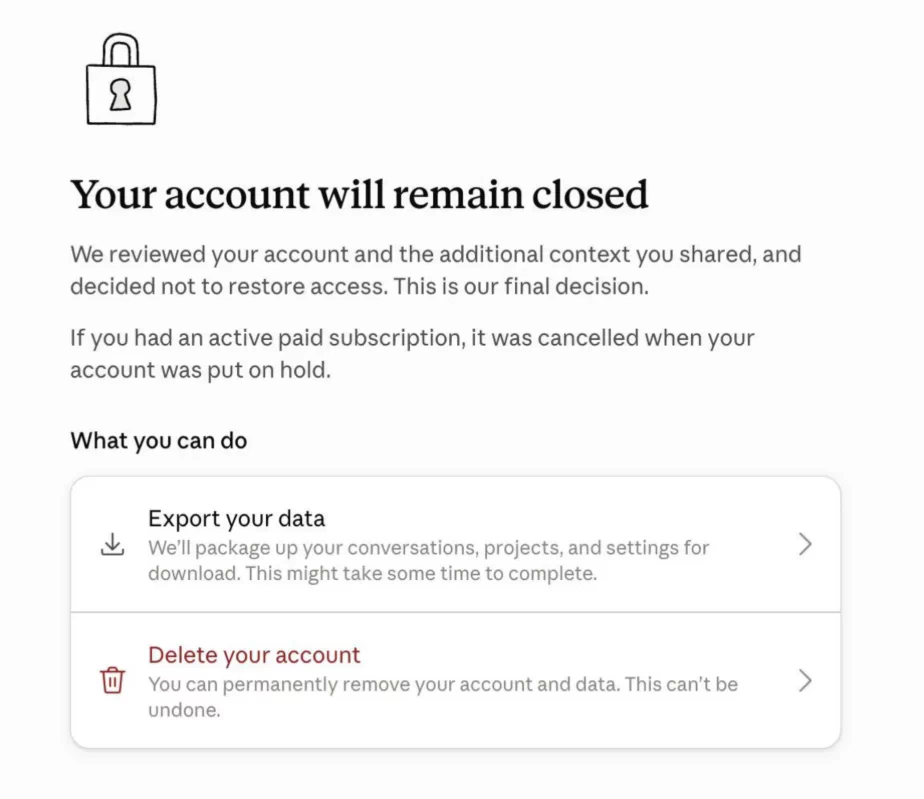
If Anthropic upholds its original decision, your Claude account will remain disabled, and you may not be able to access its regular features. Review the response from Anthropic carefully to understand the decision and follow any further instructions provided.
If your account remains disabled, Anthropic also provides options to export available account data or delete your account. According to its Help Center, banned users can delete their accounts, while data export availability may be limited depending on the associated Usage Policy violation.
How to Protect Your Claude Account from Being Banned
Maintain a Consistent IP and Login Environment
Your IP address and network connection are part of your login environment. Frequent changes in IP addresses or locations may cause login issues, so try to maintain a consistent connection when using Claude.
For a more stable connection, FlashIP Residential Proxies offer clean, reliable IPs from genuine residential networks, with flexible location targeting and sticky sessions. Its 90M+ IP pool covers 195+ countries and regions, helping users maintain a consistent network environment and reduce potential access issues caused by frequent IP changes.
Explore FlashIP Residential Proxies
Manage Your Usage and Account Activity
Claude has usage limits that vary by subscription plan. Instead of using a large portion of your available allowance in a short period, monitor your consumption and plan your tasks around the available limits. You can check your current session usage and weekly allowance under Settings > Usage.
It is also important to understand that Claude’s different interfaces share usage limits. Activities on Claude.ai, Claude Desktop, and Claude Code all count toward the same allowance. Switching between these interfaces does not provide additional usage capacity.
Handle Subscriptions and Identity Verification Carefully
When subscribing to Claude Pro or Max, use valid payment information and choose a plan that fits your actual needs. Avoid unnecessary changes to billing details or repeated payment attempts.
If Claude asks you to complete identity verification, follow the instructions and provide accurate, valid documents. A KYC prompt does not automatically mean your account will be banned, but incomplete or inconsistent verification may delay account access.
Keep Your Device Logins Consistent
Some users report that frequent logins across multiple devices may increase account review risk. As a practical precaution, keep your Claude usage to one primary computer and avoid switching between multiple clients or devices unless necessary.
FAQ
How Long Does a Claude Account Appeal Take?
Anthropic does not guarantee a specific review time. Response times can vary depending on the case and current support volume, so monitor the email linked to your Claude account for updates after submitting your appeal.
Can I Create a New Claude Account After Being Banned?
Creating another account to get around an existing restriction is not recommended. If your Claude account has been disabled, use the official appeal process first and follow any instructions provided by Anthropic.
Why Was My Claude Account Disabled Without a Warning?
Anthropic may suspend accounts for repeated Usage Policy violations, account creation from unsupported locations, or Terms of Service violations. Not every enforcement action comes with detailed information about the specific trigger. If you believe the decision was incorrect, check the account notice and submit an appeal for further review.
Can Using a Proxy Get Your Claude Account Banned?
Anthropic does not list proxy use alone as an automatic reason for suspension. However, frequent IP or location changes may cause login or access issues, so a stable residential IP can help keep your network environment more consistent.
If you use a proxy from a supported region, a clean and stable residential IP can help maintain a more consistent network environment. FlashIP Residential Proxies provide genuine residential IP resources and sticky sessions to reduce unnecessary IP changes.
Can I Manage Multiple Claude Accounts?
Yes, Claude supports multiple-account scenarios, but each account should be used for a legitimate purpose and follow Anthropic’s policies.
If you need to manage separate Claude accounts for different projects or workflows, keeping each login environment isolated can make account management easier. For example, the FlashID anti-detect browser lets you create separate browser profiles for different Claude accounts, with independent cookies, browser settings, and proxy configurations.
For each profile, you can also assign a separate residential proxy to maintain a more consistent IP environment.
Create a separate FlashID profile → Assign a residential proxy → Log in to one Claude account → Keep the same profile and IP for ongoing use
What Is the Best Proxy for Claude?
For users who need a consistent network connection, residential proxies are generally a better fit than frequently rotating IPs. A clean residential IP with a sticky session can keep the same IP for a set period and provide a more natural residential network environment.