


Quick Answer
To check ads across different countries, use platform diagnostic tools and delivery reports to confirm eligibility and market delivery. Then review the local landing-page experience to make sure the ad, offer, and destination match the target market.
When teams need to review how ads and landing pages appear from a selected market, they can use FlashIP residential or mobile proxies for location-specific testing.
What Is Ad Verification and What Should It Confirm?
Ad verification checks whether people in your target markets can see the right ad and have the expected experience after clicking it. An ad can be active or approved without appearing correctly for local users.
| What to Check | Questions to Ask |
|---|---|
| Ad delivery | Is the ad eligible and receiving impressions in the target market? |
| Ad content | Are the copy, visuals, CTA, language, price, and offer correct? |
| Landing page | Does the ad open the right local page with the expected redirect, currency, and shipping details? |
| Conversion tracking | Do UTM parameters, pixels, and conversion events work as expected? |
Ad verification can be used for search, social, display, video, and mobile campaigns. The tools may vary by platform, but the goal is simple: make sure the campaign setup matches what local users actually see.
Why an Approved Ad May Still Fail in a Target Market
Approval only confirms that an ad has passed the platform’s policy review. It does not guarantee that the ad will win auctions or appear for every user in every target market. Budget, bids, competition, targeting, device, schedule, and local demand can all affect delivery.
Location targeting adds another layer. A campaign may be eligible in a target country but receive few impressions there, appear in an unintended market, or show a different version of the ad based on language, device, or other user signals. The landing page can also create problems after the click, such as sending visitors to the wrong storefront or showing an incorrect currency or offer.
That is why checking campaign status alone is not enough. You also need to confirm how the ad is delivered and what local users see after they click.

If these issues are not caught early, advertisers may spend budget in the wrong markets, send users to the wrong version of a site, or lose conversions when the landing page does not match the ad.
How to Check Ad Delivery Across Different Countries
Google Ads: Use Ad Preview and Diagnosis
For Google Search campaigns, start with Google’s Ad Preview and Diagnosis tool. Enter a keyword and select the location, language, and device you want to check. The tool shows whether your ad can appear and may explain why it is not showing.
This is more useful than repeatedly searching for your own ad. Normal searches can be affected by your location and search history, while the preview tool does not add impressions.
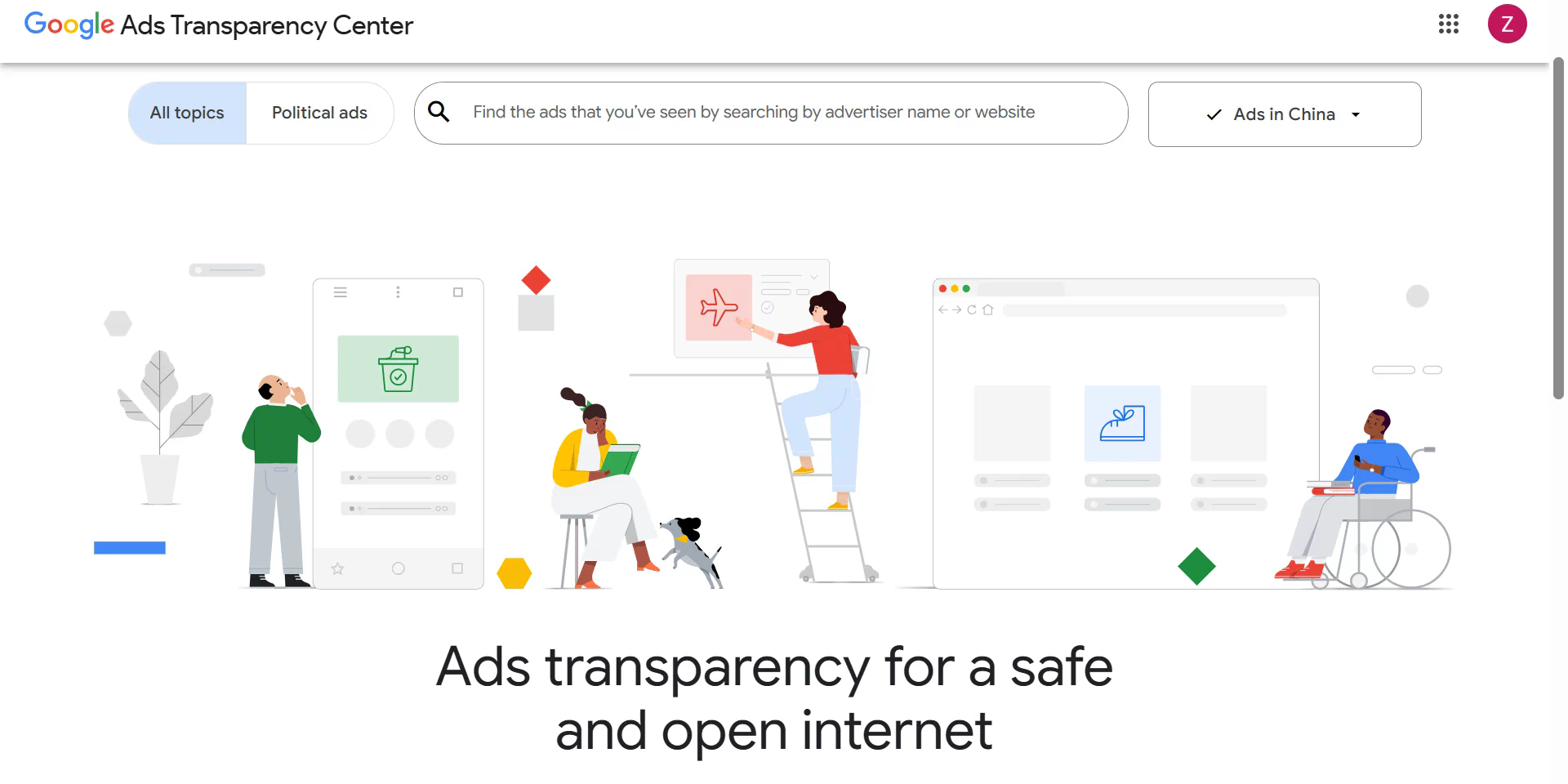
You can also review location reports in Google Ads to compare impressions, clicks, spend, and conversions by country or region. Use the Google Ads Transparency Center to check active creative by advertiser and region, but keep in mind that it does not show the full landing-page experience.
Meta Ads: Check Ad Library and Breakdown Reports
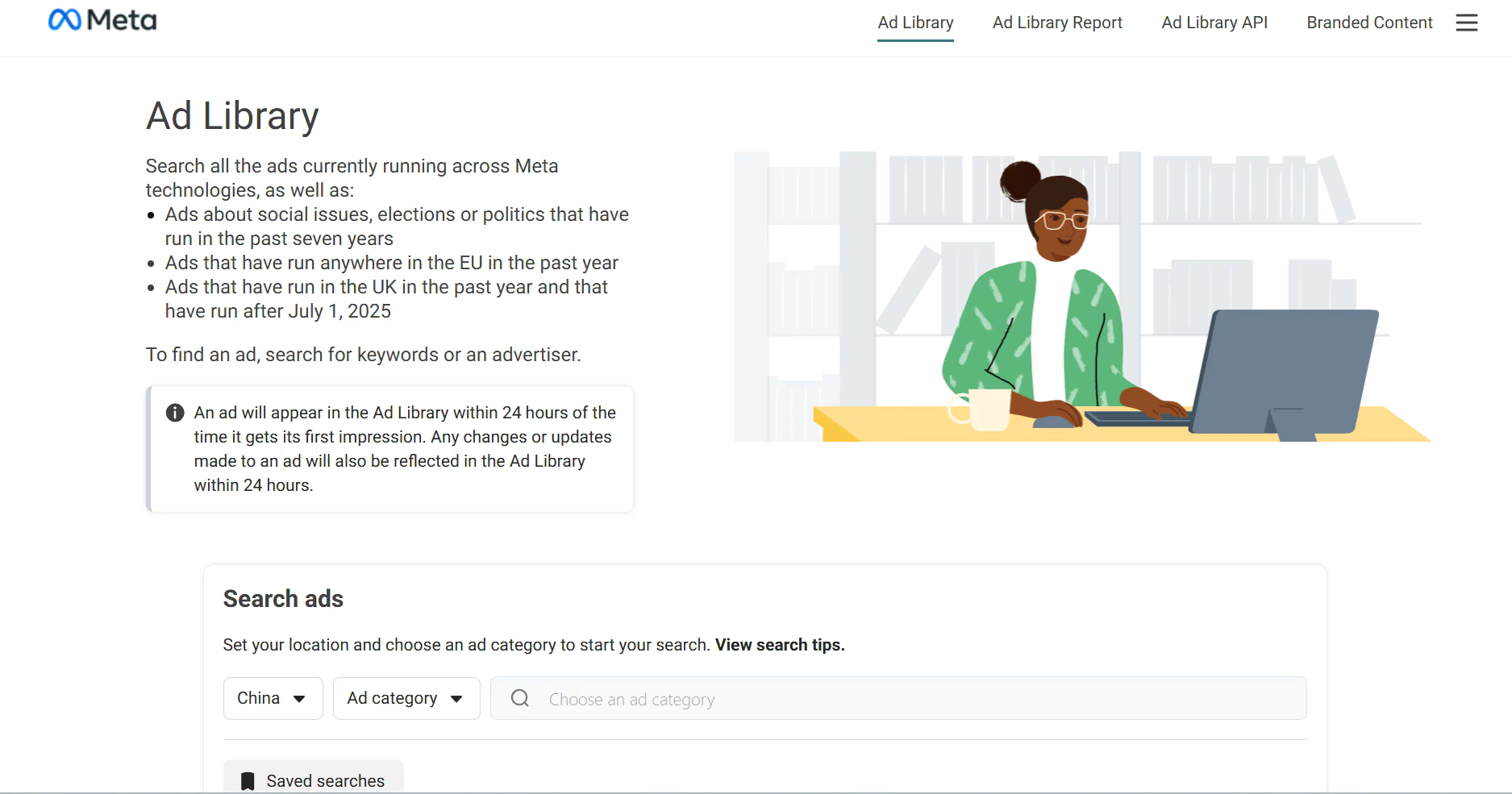
Use the Meta Ad Library to check active ads by advertiser, country, and platform. It can help you confirm whether the right creative, language, and offer are visible in each market.
In Meta Ads Manager, use the Breakdown menu to review results by country, region, device, or placement. If a market has unexpected spend, low delivery, or unusual results, check its targeting, budget, location settings, and landing page.
For more on Meta campaign controls, see our Facebook Ads Manager guide.
How to Test Local Ads With a Proxy
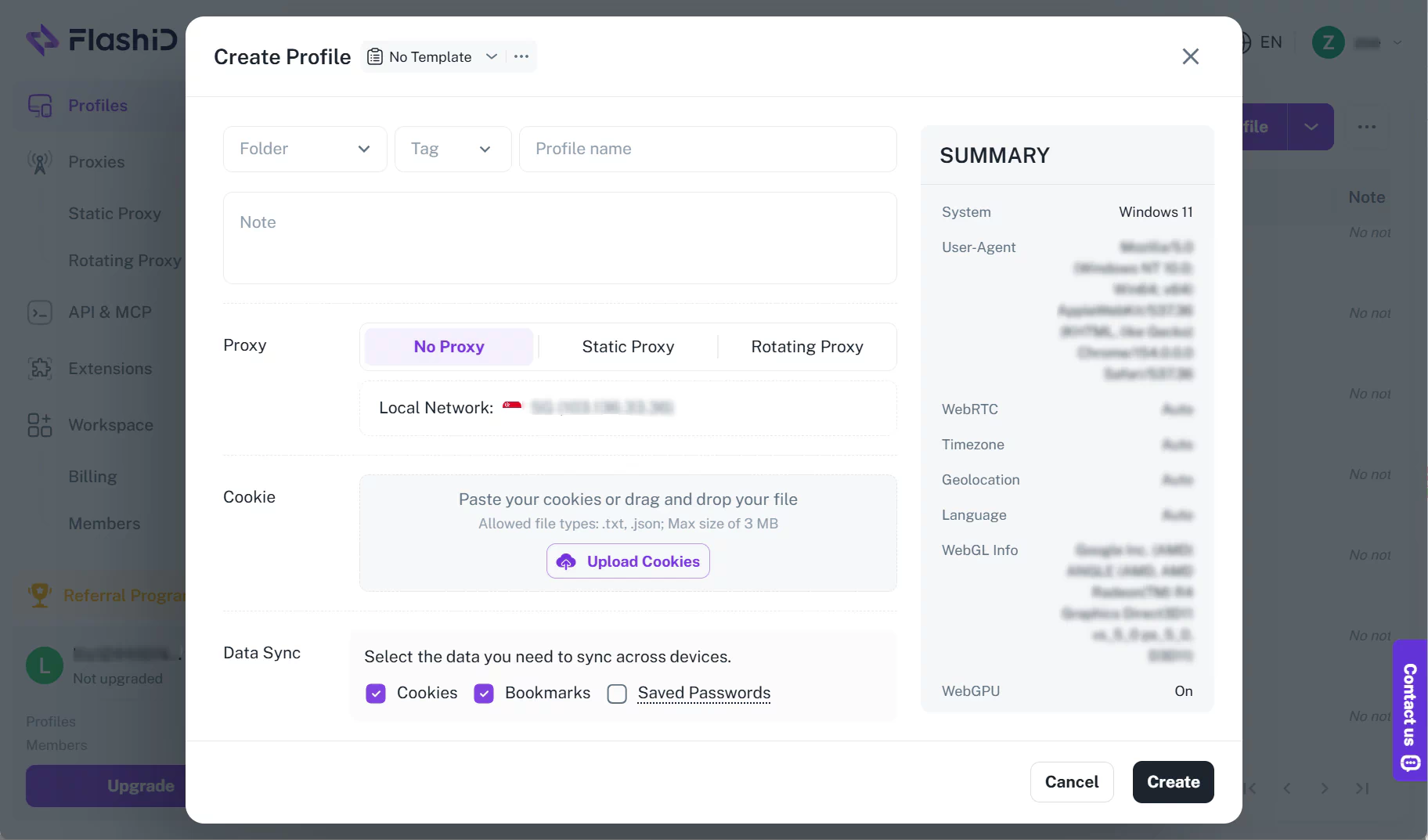
Start by choosing the country or city that matches your campaign. Use a clean browser profile, set the relevant language and device, and confirm that the proxy connection is using the intended location. For a multi-step check, keep the same session from the first page load through to the final landing page.
Then review the user journey. Check the final URL, redirect path, language, price, currency, promotion, stock, shipping, and payment options. Take screenshots and record the testing location and time. If you find a difference, repeat the test before treating it as a delivery or localization issue.
For repeated checks, use a clean and stable proxy connection to keep the browsing environment consistent throughout the verification process. FlashIP provides access to a 90M+ IP pool across 195+ countries and regions, so teams can choose a suitable location and proxy type based on the target market, device, and testing workflow.
Choosing the Right Proxy Setup for Local Ad Tests
For most ad verification tasks, residential proxies and static ISP proxies are the two main options.
Residential vs. Static ISP Proxies for Local Ad Checks
Residential proxies route traffic through IPs associated with household internet connections. They are useful for reviewing localized ad and landing-page experiences, including language, pricing, promotions, redirects, and regional storefronts.
Static ISP proxies provide a fixed IP associated with an ISP network. They are useful when the same test needs to be repeated over time, such as checking a campaign’s landing page, tracking a specific redirect path, or reviewing recurring changes in a target market.
| Testing Need | Suitable Proxy Type |
|---|---|
| Compare landing pages across countries or cities | Residential proxy |
| Check local prices, currency, language, and promotions | Residential proxy |
| Run repeated checks through the same IP | Static ISP proxy |
| Monitor the same landing page or redirect path over time | Static ISP proxy |
Common Reasons an Approved Ad Is Not Showing
An approved ad can still miss a specific search, user, or market.
An approved ad may still not appear in a specific market. Check these common issues first:
- Campaign status: The campaign, ad group, or ad may be paused, ended, or not scheduled to run.
- Account or billing issues: Payment problems, account verification, or suspension can stop delivery.
- Budget or Ad Rank: The ad may be eligible but lose auctions because of limited budget, low bids, or competition.
- Targeting mismatch: Your test location, language, device, or audience may not match the campaign settings.
- Keywords, policies, or landing pages: Low search volume, negative keyword conflicts, policy limits, or an unavailable landing page can prevent delivery.
Do not rely on one manual search. Use platform diagnostics and delivery reports before changing campaign settings.
FAQ
Why is my approved ad not showing in a target country?
Approval means the ad meets platform policy requirements, but it may still miss auctions because of budget, bids, targeting, schedule, competition, or low search demand. Check delivery reports and platform diagnostics before making changes.
Should I search for my own ads in Google?
Avoid repeatedly searching for your own Google ads in a normal browser. Use Ad Preview and Diagnosis instead, since regular searches can be affected by your location and search history and may add impressions without clicks.
Can I use FlashIP proxies to manage Google Ads accounts?
Yes. Teams managing multiple authorized Google Ads accounts can use FlashIP proxies with the FlashID anti-detect browser. Each account can run in a separate profile with its own browser settings, cookies, and proxy connection, helping teams keep authorized workspaces separate. Always follow Google Ads account and advertising policies.
FlashIP proxy → Create a separate FlashID profile → Configure the proxy → Sign in to an authorized Google Ads account → Manage the account in its dedicated profile
How can I check what users see in another country?
Start with platform tools and ad libraries to review delivery and creative. For local landing pages, prices, redirects, and offers, use a proxy connection from the target market and record what you see.
Why does my landing page show a different price or currency from my ad?
Many websites change prices, currency, promotions, shipping options, or storefronts based on location. Check the landing page from the target market and confirm that the final page matches the offer shown in the ad.
How often should I run ad verification checks?
Run checks when a campaign launches, when you change targeting or creative, and when a promotion starts or ends. For ongoing multi-market campaigns, review priority markets regularly to catch delivery or landing-page issues early.